
Volvo Activation Adaptive Cruise Control (ACC) + Pilot Assist. No additional modules required. Remote activation....
Volvo Activation ACC + Pilot Assist
Latest posts
-
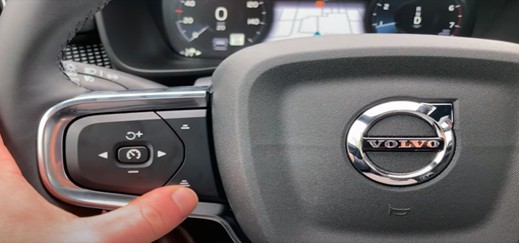 Volvo Activation ACC + Pilot AssistRead more
 -
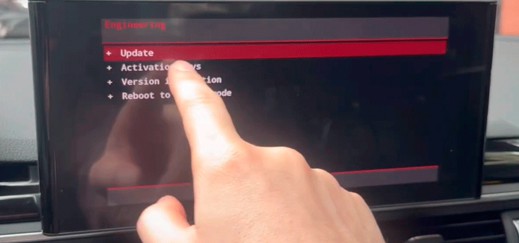 Audi MMI Touch MIB3 PremiumRead more
Audi MMI Touch MIB3 High-MIB3 Premium. Complete conversion and reprogramming of the Audi MIB unit for the MIB3...
-
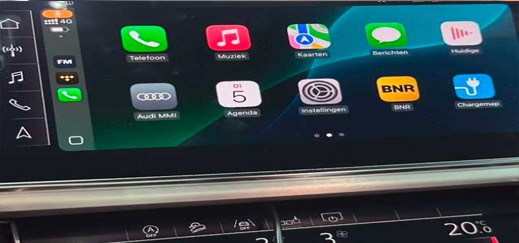 Conversion for any region. PORSCHE PCM 5.0Read more
Conversion for any region. No need to visit us or send us the main unit, we can perform the conversion remotely.
Blog categories
Search in blog
Archived posts
Volvo Activation ACC + Pilot Assist
Volvo Adaptive Cruise Control (ACC) and Pilot Assist. No additional modules required. No software required. Remote activation. Quick and easy.
- Remote activation, requires an ENET cable, a Windows 10/Windows 11 laptop (not compatible with Windows 7), and an internet connection.
- It's recommended to use a battery charger during the process. If you don't have a battery charger, make sure the battery is charged by driving for 40 minutes before starting the process.
- Coding and activation solution for Volvo models manufactured from 2016 to the present.
- No additional modules required. Quick and easy.
- No need to send us your head unit. Activation of retrofit Sensus head units. Video in Motion activation.
- US to European (or any region) conversions. Navigation activation. Radio frequency conversion.
- Language conversion. Unit conversion (temperature, clock, distance, fuel consumption).
- Navigation + map activation on non-factory activated vehicles. CarPlay and Android Auto activation. Deactivation of start-stop memory, speed limit removal, etc.
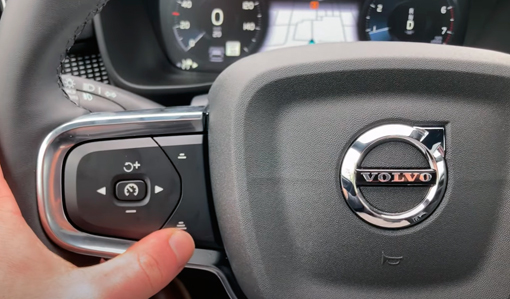
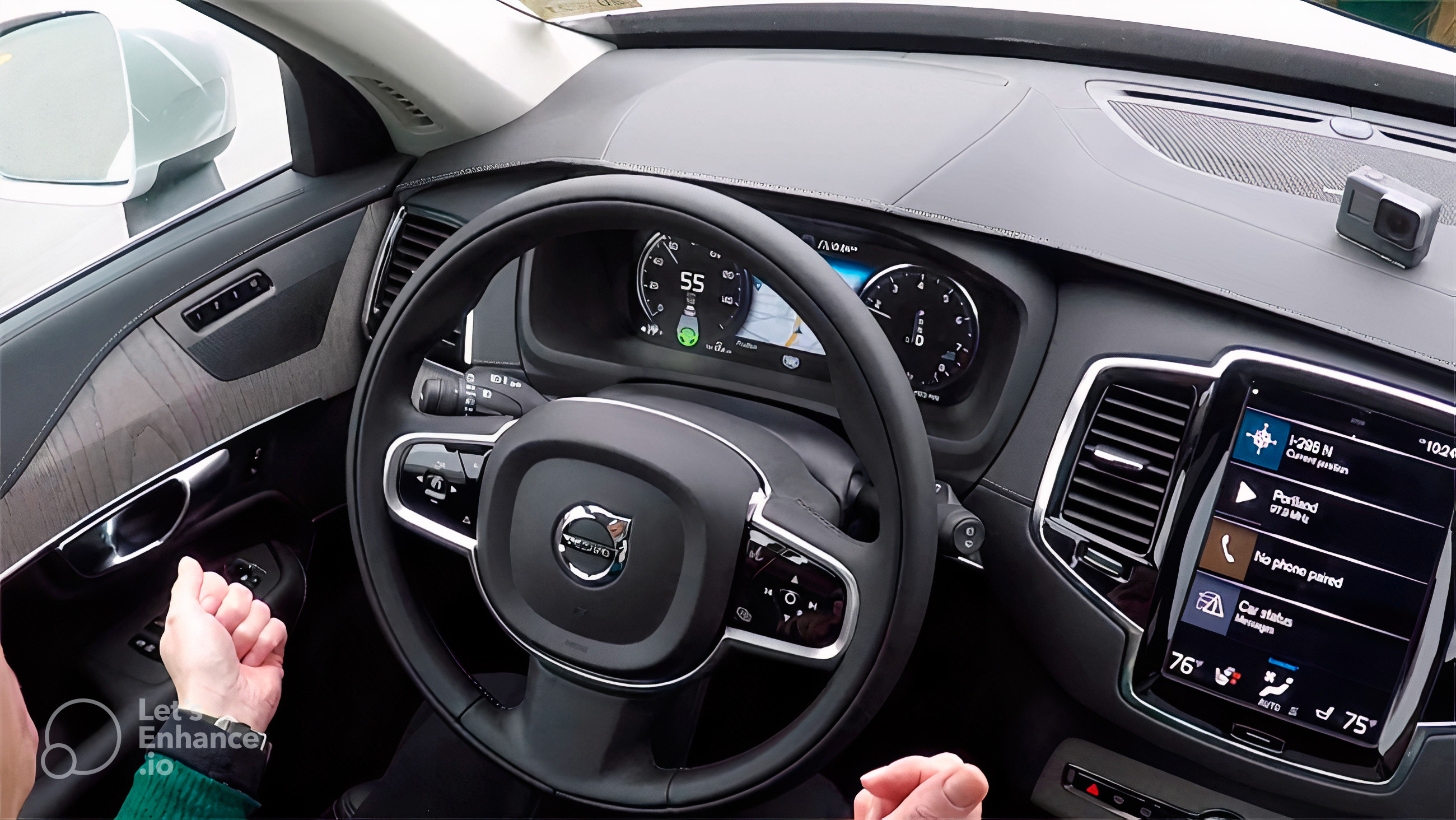
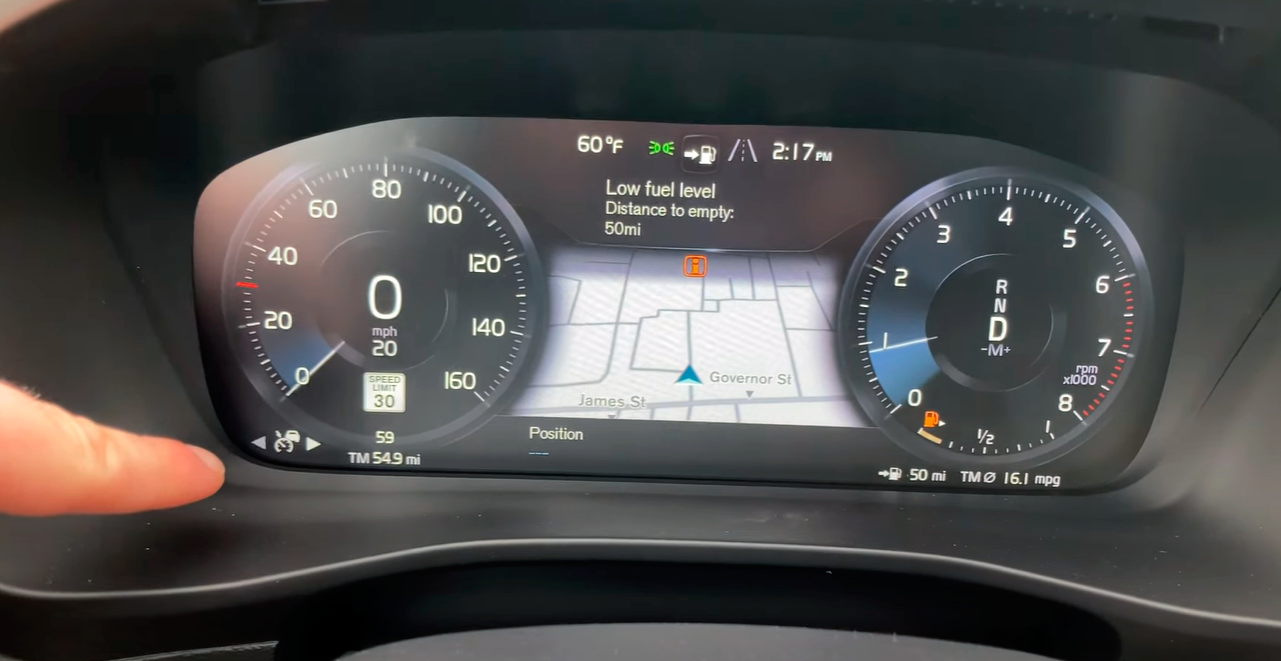
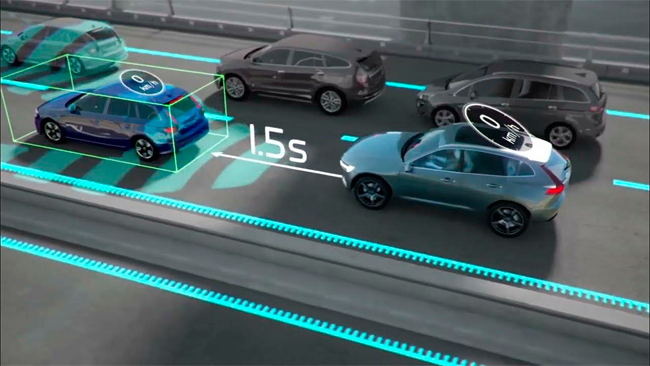
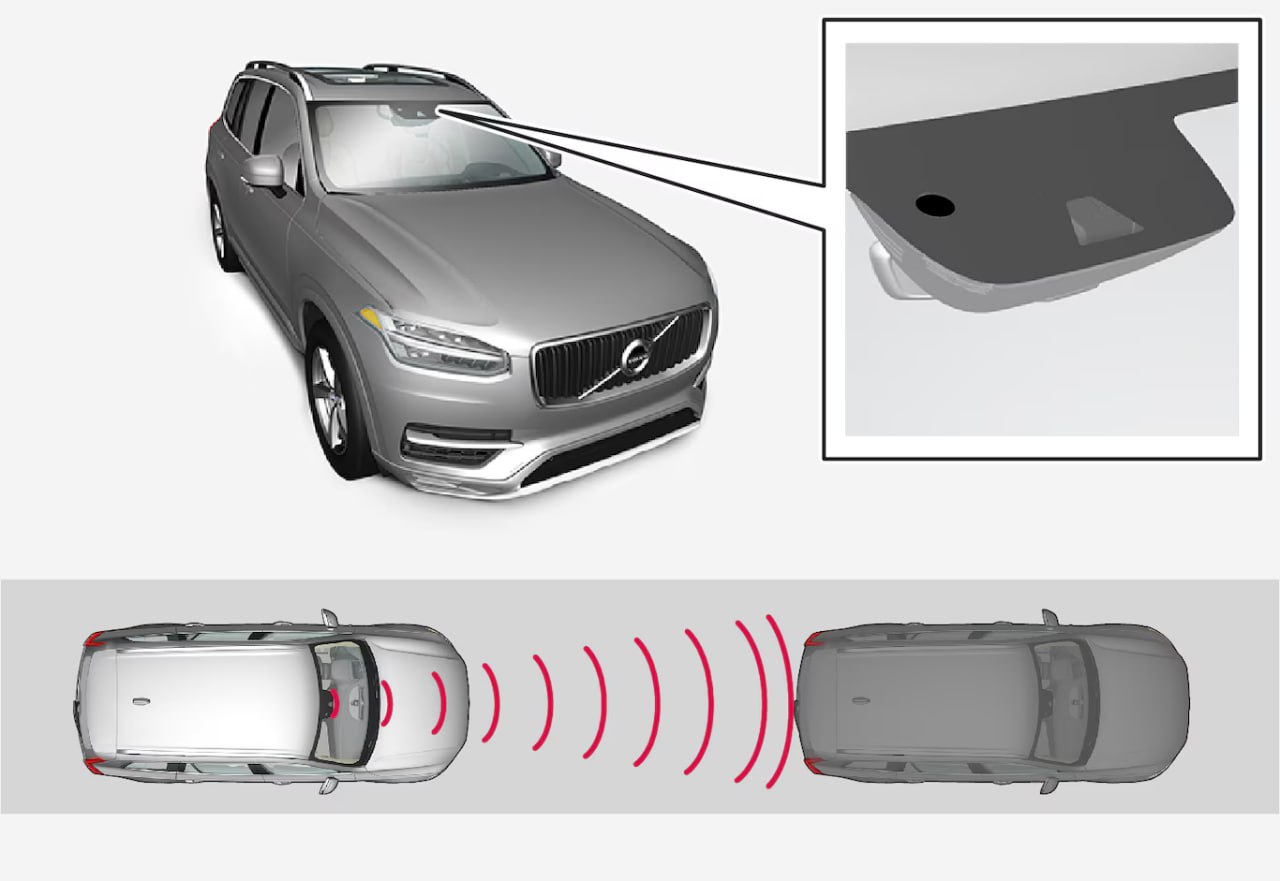
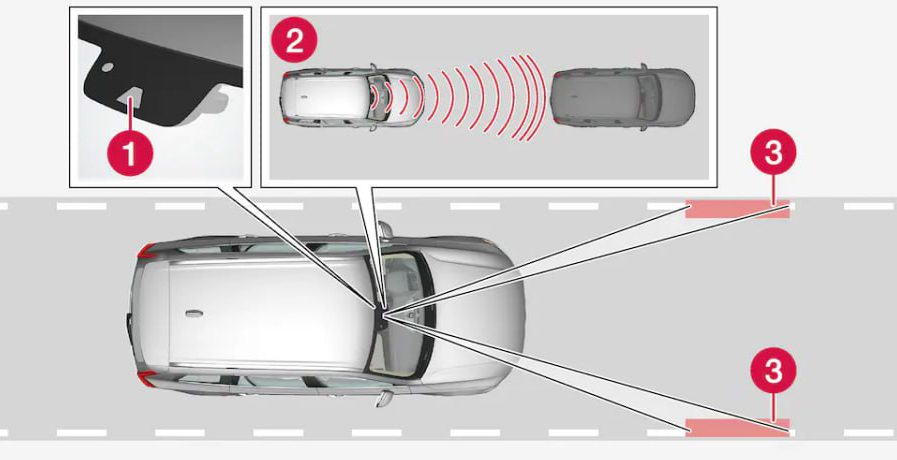
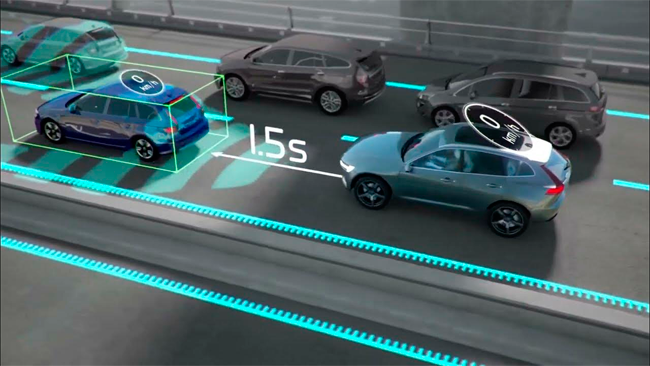
- Pilot Assist is a convenient feature that provides steering assistance and helps you maintain a safe distance from the vehicle in front. Initially, it may feel a little strange when Pilot Assist is helping you control the car, and you may need to drive a few miles with Pilot Assist engaged before you feel completely comfortable with the feature.
- Adaptive Cruise Control (ACC) helps the driver maintain a constant speed and a set time interval relative to the vehicle ahead. Adaptive Cruise Control provides a more relaxed driving experience on long journeys on highways and straight national roads with steady traffic flow.
Check the activations:
✅ Activation of Adaptive Cruise Control (ACC) and Pilot Assistance (PA)
✅ Start/Stop Memory or Deactivation
✅ Activation of Volvo Sensus Navigation
✅ Activation of Traffic Sign Information
✅ Activation of CarPlay
✅ Activation of Android Auto
✅ Removal of the Vehicle's Maximum Speed Limit
✅ Activation of Video in Motion
✅ Adjustable Speed Limiter
✅ Private Luggage Lock
✅ Polestar Driving Mode
Our expertise lies with Volvo, where we offer everything from comprehensive diagnostics and module calibration to modifications that enable various upgrades.
Unlock your vehicle's full potential with our high-quality reprogramming. Experience improved vehicle performance. Our diagnostic tools allow us to identify problems quickly and efficiently.
Activating Pilot Assist.
The Pilot Assist system can be activated with or without steering assistance. The activation symbol on the driver display indicates whether the vehicle is providing steering assistance.
By selecting Pilot Assist as the default in the settings, you ensure that Pilot Assist with steering assistance, rather than adaptive cruise control, is your default assisted driving function. You can then switch between Pilot Assist and adaptive cruise control using the steering wheel buttons while driving.
Important Before using Pilot Assist.
Before using Pilot Assist for the first time, carefully read all the information about this function in this manual. Understanding its capabilities and limitations is essential for safe use.
Assessing the situation.
Ensure that the situation and traffic conditions are suitable for activation. Wait until any ongoing maneuvers, such as a lane change, are complete before activating Pilot Assist.
Activating Pilot Assist While Driving
Pilot Assist Activation Button
When it is safe to do so, press the Pilot Assist button on the steering wheel.
Activation is confirmed on the controller display.
The first time you activate Pilot Assist while driving, your speed at the time of activation will be converted to the target speed.
Tip: If you have recently used Pilot Assist and wish to use the previous target speed, press the resume button on the steering wheel.
When Pilot Assist is active, you can adjust the target speed and following distance using the buttons on the steering wheel.
Posted in:
Volvo Activation ACC + Pilot Assist
Leave a comment